Skill Installation Guide
A Skill is a reusable set of instructions for an AI assistant. It describes when to use it and how to carry out a task, and can include examples, templates, or scripts. Once installed, a compatible assistant can follow the Skill to do things like extract information from PDFs or organize meeting notes.
Choose a Skill
- Open a Skill from Curated Skills. Go to Curated Skills and open the Skill you want to use.
- Use an external Skill URL. If you already have a link to the Skill’s source repository or its SKILL.md file, copy that link and skip to the installation step.
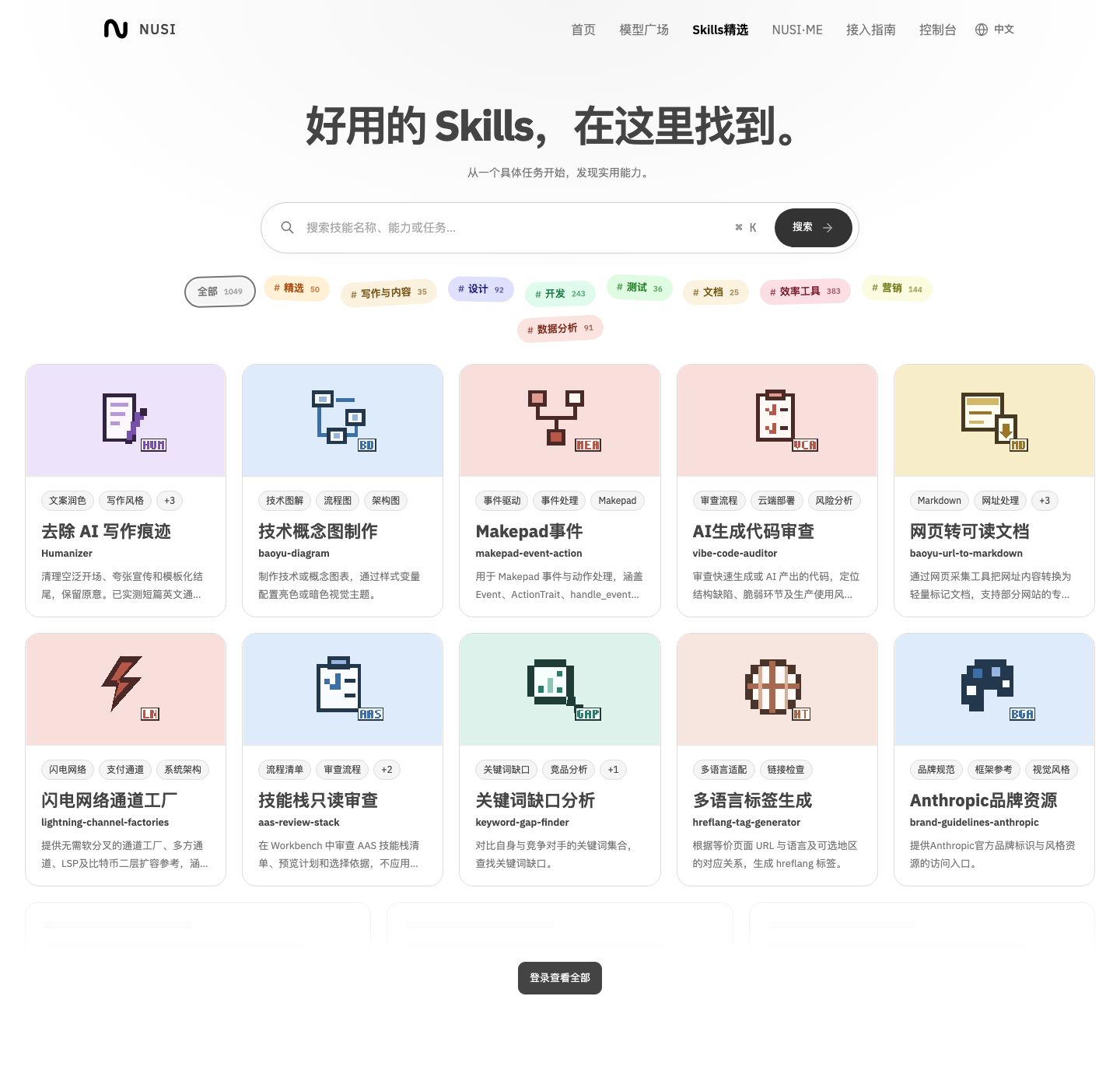
Copy the Setup Prompt
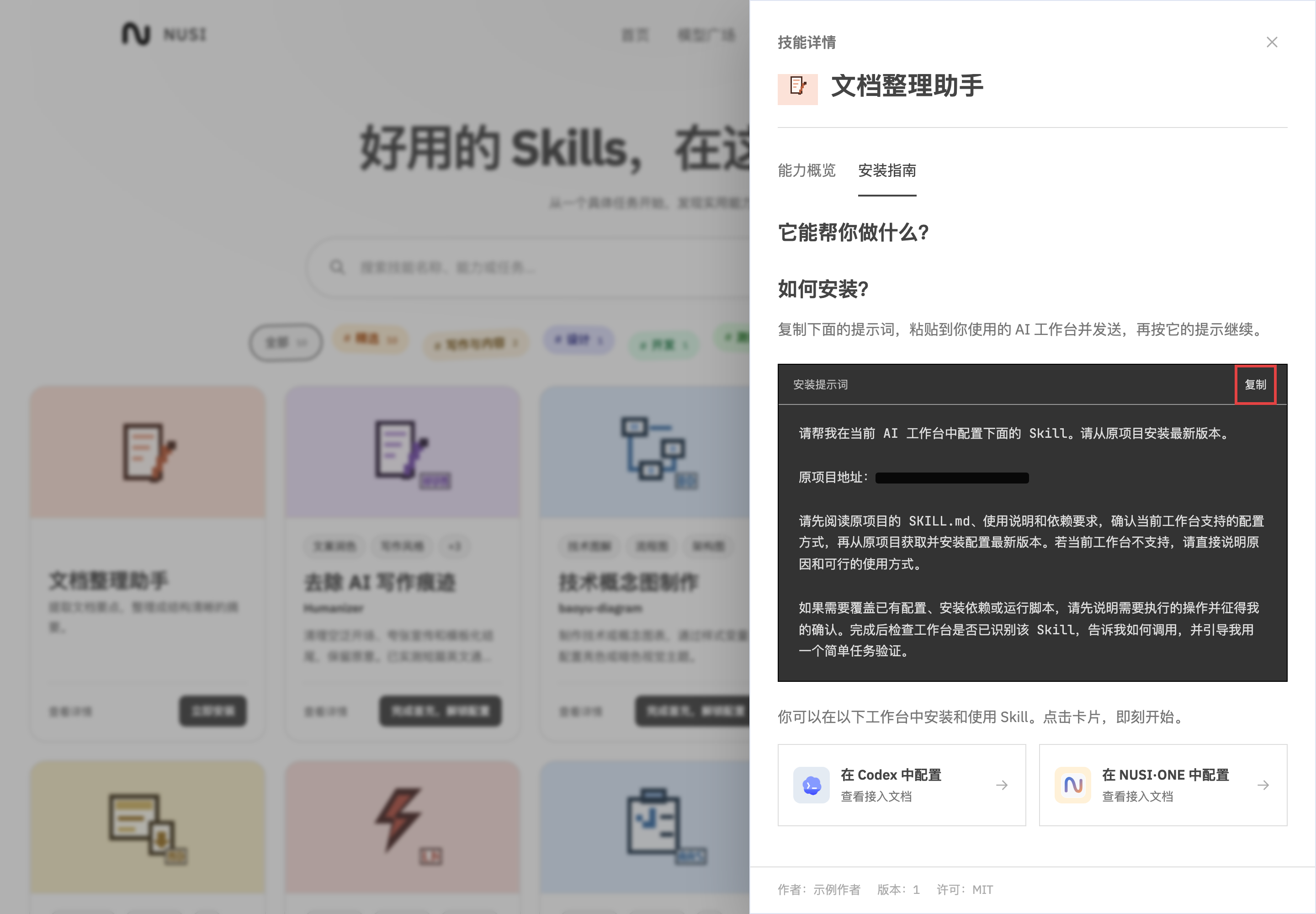
This step only applies to Curated Skills. Open the Skill details drawer, choose Installation Guide, then select Copy in the setup prompt. If setup is locked, sign in and follow the first-credit instructions shown on the page.
Install in Your AI Workspace
Open a new conversation where you plan to use the Skill. Send the setup prompt from Curated Skills or paste the external URL and ask the assistant to install the Skill. Ask the assistant to check compatibility and read the source instructions first. Review any requested dependencies, scripts, and permissions before approving them.
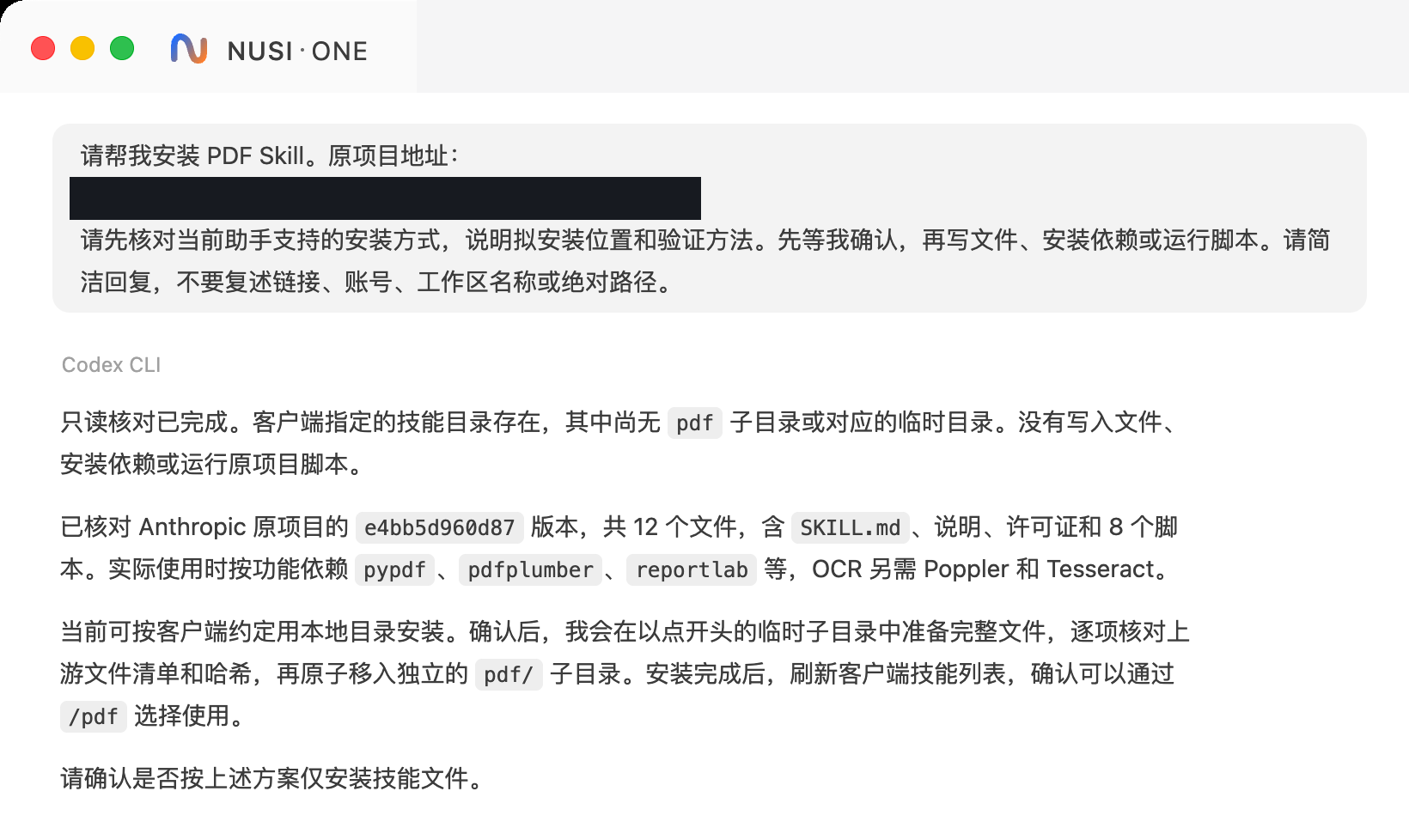
Verify That the Skill Works
Ask the assistant to confirm that the workspace recognizes the Skill and show you how to invoke it. Try one small task. If the Skill is not recognized, check whether it was installed for the current project or workspace, and whether the assistant needs to be restarted.